Cluster

IPTV 4K: What Internet Speed is Really Necessary?

Let's debunk the Gigabit speed myth. Learn what your router actually needs to output for buffer-free IPTV streaming in Canada.
Jean-François TremblayFebruary 01, 20267 min
IPTV 4K: What Internet Speed is Really Necessary?
When encountering a buffering problem with IPTV, the natural reflex is to blame either the IPTV provider or one's internet speed—often resulting in a call to Rogers or Bell to pay for an expensive internet upgrade.

Often, Internet providers "push" you to buy Gigabit (1000 Mbps) packages to "handle 4K". This is a myth based on upselling. Read this before upgrading your internet plan.

Raw Speed (The Real Requirements)

IPTV uses extreme video compression (H.264 and HEVC) to reduce file weights. Here is the reality of bandwidth needs per simultaneous device:
  • SD Channel (Standard Definition): 3 to 5 Mbps.
  • HD Channel (1080p): 10 to 15 Mbps.
  • 4K UHD Channel (VOD or Live): 25 to 30 Mbps absolute maximum.
  • Conclusion: If you have a standard Fiber/Cable plan of 50 Mbps or 100 Mbps, you technically have WAAAY more than enough speed to run two 4K IPTV subscriptions simultaneously without breaking a sweat.

    If the Speed is Sufficient, Why is it Buffering?

    Welcome to the wonderful world of "Ping" (latency) and instability (Jitter).

  • 1. Ping (Response Time): IPTV runs live. The server sends the picture, your TV displays it instantly. If the network hesitates for a microsecond, the picture "freezes". Raw speed does not fix latency.
  • 2. Packet Loss: This is when pieces of information get lost on the way between the CANADAHD server and your home.
  • Concrete Solutions:

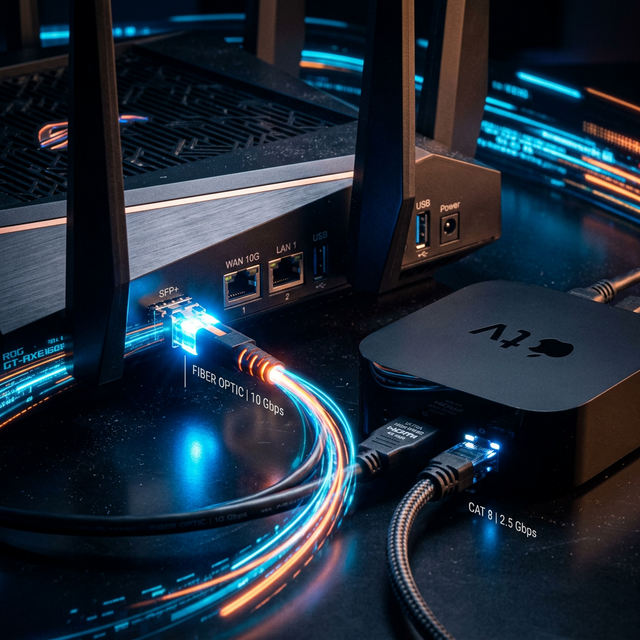
  • The RJ-45 Cable (Ethernet): Wi-Fi (even very fast Wi-Fi) is inherently unstable and prone to micro-cuts. Connecting your Android Box directly to the router via cable resolves 80% of ping issues.
  • Changing the Wi-Fi Band: If a hardwire cable is impossible, separate your Wi-Fi networks in your router settings. Put your smart television or your Firestick 4K ONLY on the 5Ghz band of your router (which offers much less interference than the crowded 2.4Ghz).
  • Hardware is just as important, read our pillar on the Best IPTV Devices in Canada to complete your setup.

    Jean-François Tremblay

    Digital Streaming Expert

    With 10 years of experience in Quebec telecommunications.